Best Educational Apps for Toddlers and Preschoolers in 2026: Expert-Reviewed Picks
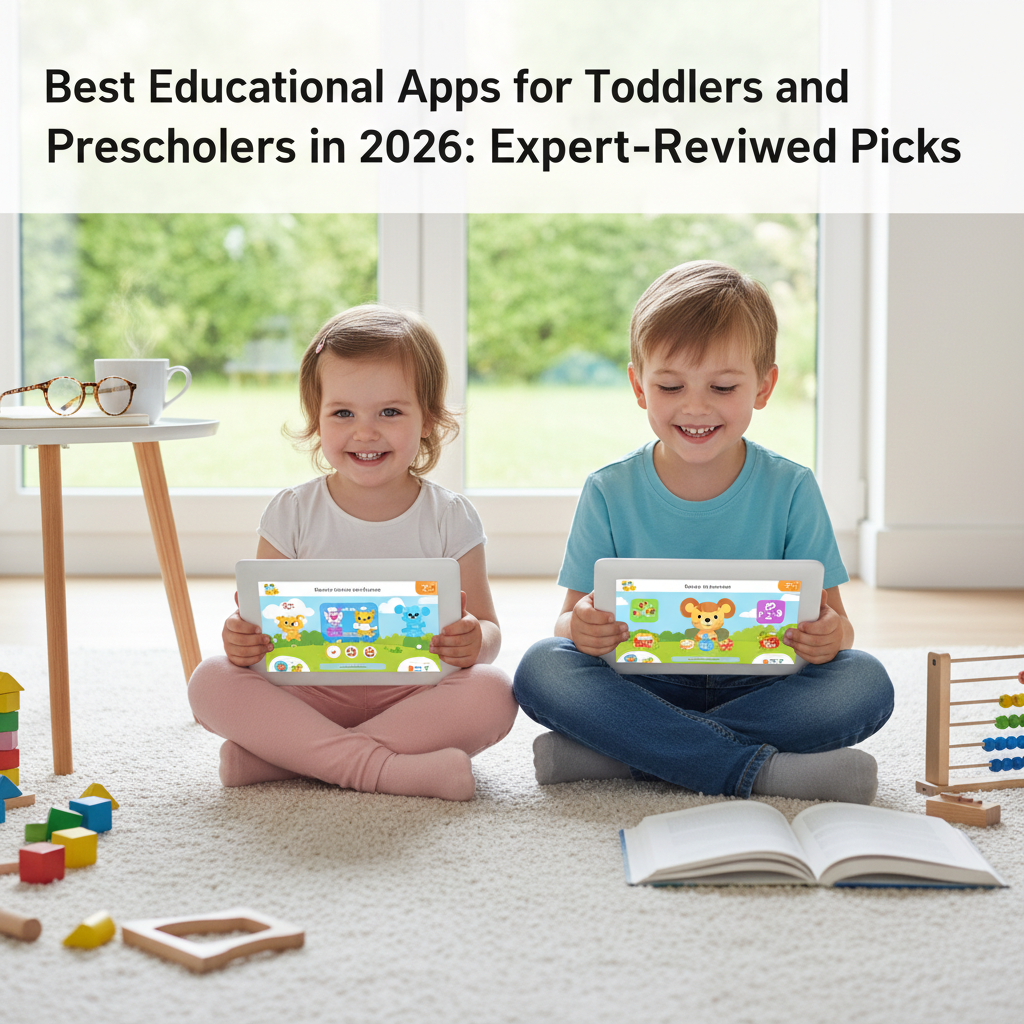
Finding the best educational apps for toddlers and preschoolers can feel overwhelming in a marketplace with over 500,000 apps claiming to be "educational." The reality, according to a 2025 analysis by the Joan Ganz Cooney Center at Sesame Workshop, is that fewer than 10% of children's apps marketed as educational have any evidence supporting their learning claims. This guide cuts through the noise with apps that are genuinely research-backed, thoughtfully designed, and recommended by child development experts.
What Makes an Educational App Actually Educational?
Before diving into specific recommendations, it is important to understand what separates an effective educational app from digital candy disguised as learning. Dr. Kathy Hirsh-Pasek of Temple University and Dr. Roberta Michnick Golinkoff of the University of Delaware developed a framework published in Psychological Science in the Public Interest that identifies four pillars of effective learning apps:
- Active learning: The child must be mentally engaged, making decisions and solving problems, not passively watching or mindlessly tapping.
- Engagement in the learning process: The app keeps the child focused on the educational content, not on distracting bells, whistles, and unrelated mini-games.
- Meaningful content: The material connects to the child's existing knowledge and real-world experiences.
- Social interaction: The best apps encourage shared use with parents or siblings, or facilitate social learning.
Additionally, the American Academy of Pediatrics recommends choosing apps that are ad-free, avoid in-app purchases directed at children, and do not collect personal data. With these criteria in mind, here are the top educational apps for 2026.
Best Apps for Literacy and Language (Ages 2-5)
Khan Academy Kids (Free)
Consistently rated as the gold standard for early learning apps, Khan Academy Kids offers a comprehensive curriculum covering reading, writing, language, and math, all completely free with no ads or subscriptions. The app adapts to each child's level and introduces concepts progressively. A 2024 independent evaluation by SRI International found that children who used Khan Academy Kids for 20 minutes per day showed measurable gains in early literacy and numeracy within eight weeks. Available on iOS, Android, and Amazon devices.
Homer (Subscription)
Homer provides a personalized early reading program based on your child's interests and reading level. The app covers phonics, sight words, and reading comprehension through interactive stories and games. According to a study conducted by Homer's research team and published in the Journal of Educational Psychology, children who used Homer regularly showed a 74% increase in early reading scores. The subscription model ensures an ad-free experience.
Endless Alphabet (Paid)
Created by Originator Inc., Endless Alphabet uses charming monster characters to teach vocabulary and letter sounds. Each word is accompanied by an interactive puzzle and a short animation illustrating the word's meaning. The app's strength lies in its focus on vocabulary beyond basic sight words, introducing words like "cooperate," "belligerent," and "transform." Common Sense Media rates it 5/5 for educational value.
Best Apps for Math and Logic (Ages 2-5)
Moose Math by Duck Duck Moose (Free)
Developed in partnership with Stanford University researchers, Moose Math teaches counting, addition, subtraction, sorting, and geometry through a city-building game. Children earn rewards by completing math activities that help build stores and parks in a virtual town. The app provides parent reports showing what skills your child is practicing and mastering.
DragonBox Numbers (Paid)
DragonBox Numbers uses a unique approach where children physically manipulate digital number characters called "Nooms." Each Noom's size represents its value, making abstract number concepts tangible. A 2024 study by the University of Oslo found that children who used DragonBox apps showed significantly stronger number sense than control groups. The DragonBox series also includes apps for algebra and geometry concepts.
Todo Math (Freemium)
Covering over 700 math activities aligned with the Common Core standards, Todo Math adapts to each child's level and provides a daily adventure structure that encourages consistent use. The app includes a multi-sensory approach with tracing, counting, pattern recognition, and basic operations. Parents receive detailed progress reports.
Best Apps for Science and Exploration (Ages 3-6)
Toca Nature (Paid)
Toca Boca's nature app lets children create and explore ecosystems, planting trees, creating lakes, and observing the animals that appear. While not a traditional "educational" app with quizzes, it teaches ecological concepts through open-ended exploration. Dr. Michael Cohen, founder of the Michael Cohen Group, described it as "a sandbox for scientific thinking" in his review for Parents magazine.
Tinybop's The Human Body (Paid)
This beautifully designed app lets children explore the human body's systems interactively. They can feed the digestive system, make the heart beat, examine bones, and explore how lungs work. The app includes no text, making it accessible to pre-readers, and comes with a free handbook for parents to extend the learning offline. The New York Times named it one of the best children's apps of the decade.
Best Apps for Creativity and Problem-Solving (Ages 3-6)
ScratchJr (Free)
Developed by MIT's Lifelong Kindergarten Lab and Tufts University, ScratchJr introduces coding concepts to children aged 5-7 through a visual, block-based programming interface. Children create interactive stories and games by snapping together programming blocks. A 2025 study published in Computers & Education found that children who used ScratchJr showed significant improvements in sequencing skills and computational thinking. The app is completely free with no ads.
Thinkrolls 2 (Paid)
This physics-based puzzle game teaches logical reasoning, cause-and-effect thinking, and problem-solving. Children guide characters through mazes by interacting with elements like gravity, buoyancy, electricity, and elasticity. The game features over 270 levels across multiple difficulty settings, ensuring sustained engagement and progressive challenge. Children's Technology Review awarded it the Editor's Choice designation.
Sago Mini World (Subscription)
The Sago Mini collection offers over 40 open-ended play experiences designed for children aged 2-5. Activities include building, cooking, gardening, and caring for animals. The apps are intentionally designed with no scores, timers, or failure states, reducing frustration and encouraging exploration. The subscription provides access to the full library.
Tips for Maximizing Educational App Value
Even the best app is more effective when used intentionally. Research-backed strategies for getting the most educational value from apps include:
- Co-play whenever possible: Sit with your child and discuss what they are doing. "What do you think will happen if you move that block?" This transforms passive screen time into interactive learning. The AAP emphasizes that co-viewing doubles the educational impact of quality children's media.
- Set time limits: Even excellent educational apps should be used in moderation. Twenty to thirty minutes per session is ideal for toddlers and preschoolers. Use the built-in timer features available in most operating systems.
- Extend learning offline: If your child enjoys a counting app, do counting activities with real objects. If they love an animal app, visit a zoo or read books about animals. The transfer between digital and physical experiences strengthens learning.
- Rotate apps: Instead of downloading dozens of apps, maintain three to five quality apps and rotate them every few weeks. This prevents overwhelm and encourages deeper engagement with each app.
- Review progress together: Many educational apps include parent dashboards. Review these with your child to celebrate their progress and identify areas where they might need additional support.
The right educational apps, used in the right way, can be a valuable supplement to hands-on learning, reading, and play. The key is selectivity: choose a few well-designed, evidence-backed apps rather than downloading everything that appears in a "kids education" search. Combined with real-world exploration and human interaction, these digital tools can meaningfully support your toddler's or preschooler's learning journey.
Written by
You might also like
 81
81
Best Creative Craft Kits for Kids: Art Projects They'll Actually Finish
Discover the best creative craft kits for kids that they will actually finish. From sculpting and glass painti...
Our Favorite Ways to Bring Love, Peace, and Whimsy Into Your Child's World
From imaginative play sets to calming mindfulness tools, these are our favorite picks that bring love, peace,...
Our Favorite Bring Your Love, Peace, and Whimsy! Toys and Gifts for Kids
Discover 8 whimsical toys and gifts that bring love, peace, and creative wonder into your child's world while...